Custom furniture designer
Design your custom furniture in 3D.
A cabinet, bookcase or dresser in any size. Draw it, then download a PDF with a cut list.
Free to draw and preview in 3D, no sign-up.
Three steps from a blank sheet to a cut list
- 1
Draw
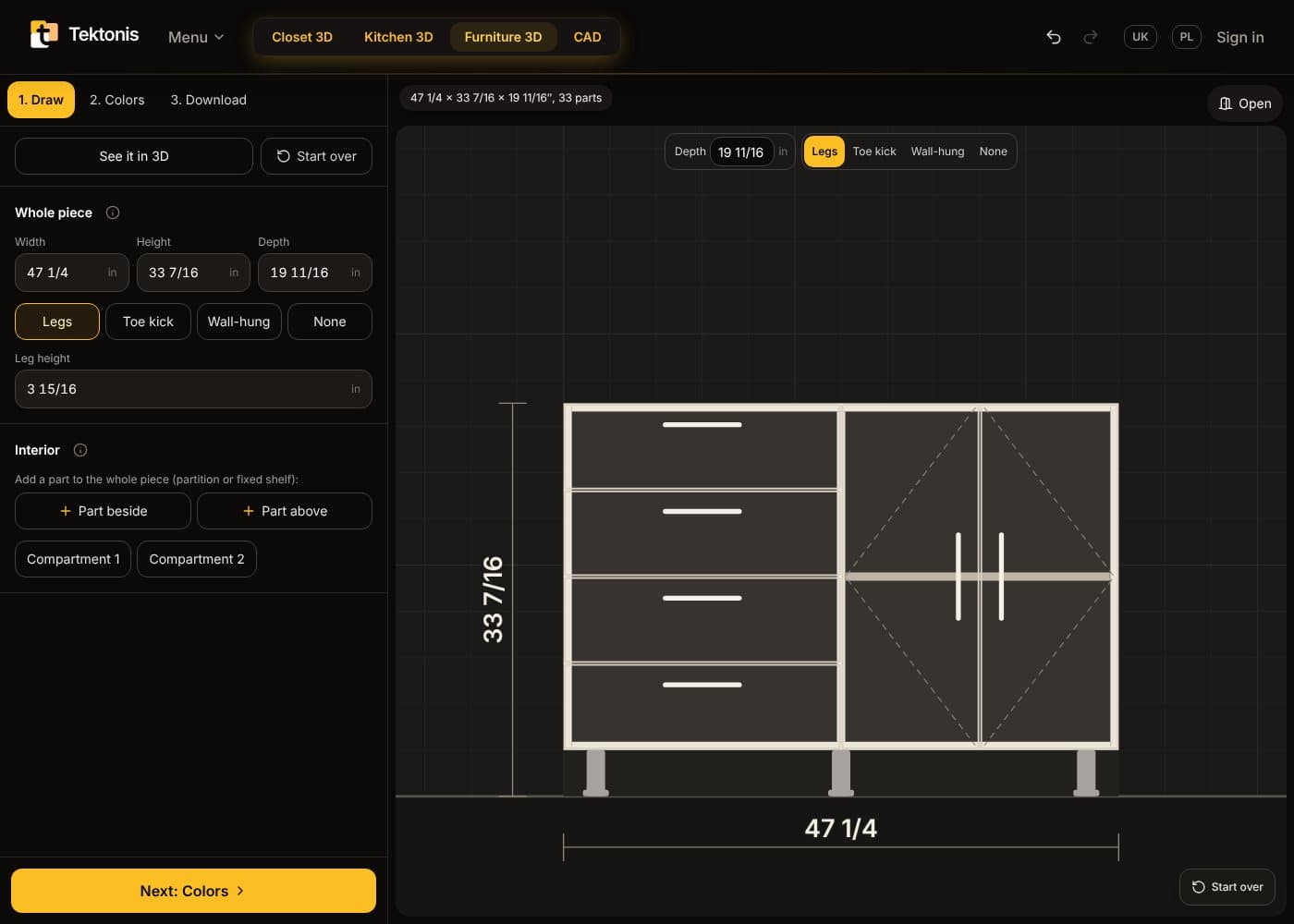
Two upright lines are the sides, or drag diagonally for the whole box. Inside: upright for a divider, level for a shelf, diagonal to choose doors, a flap, drawers, a glass door or a closet rod. A line beside the cabinet makes it wider or taller.
- 2
Colors
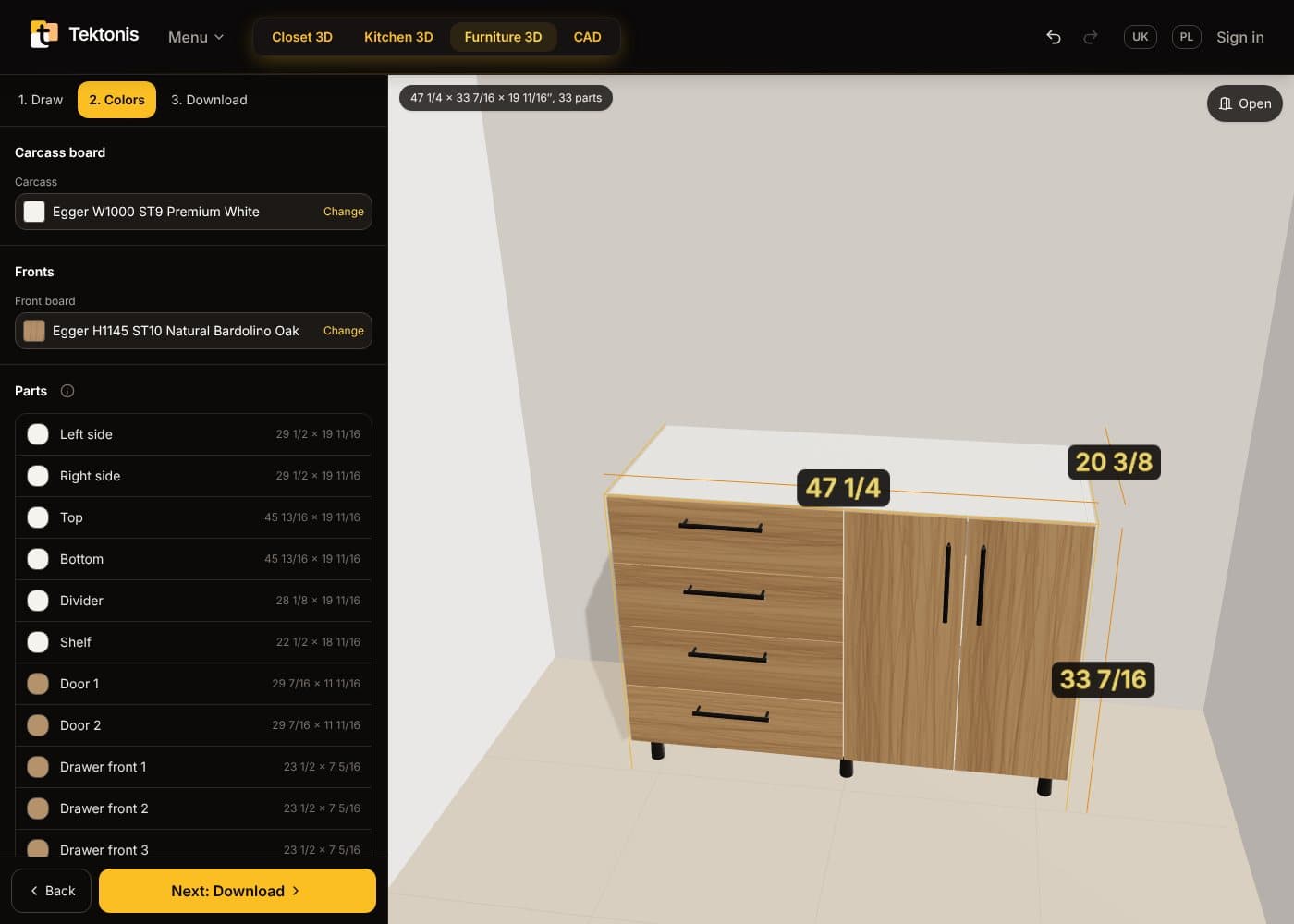
Carcass and front boards from the Egger and Kronospan ranges, a color for any single part (say, a different side or toe kick), the front style and handles.
- 3
Download
A PDF with the 3D view, dimensioned drawings, assembly steps and drilling, and the cut list with edge banding as a CSV for a panel cutting shop.
What the designer looks like
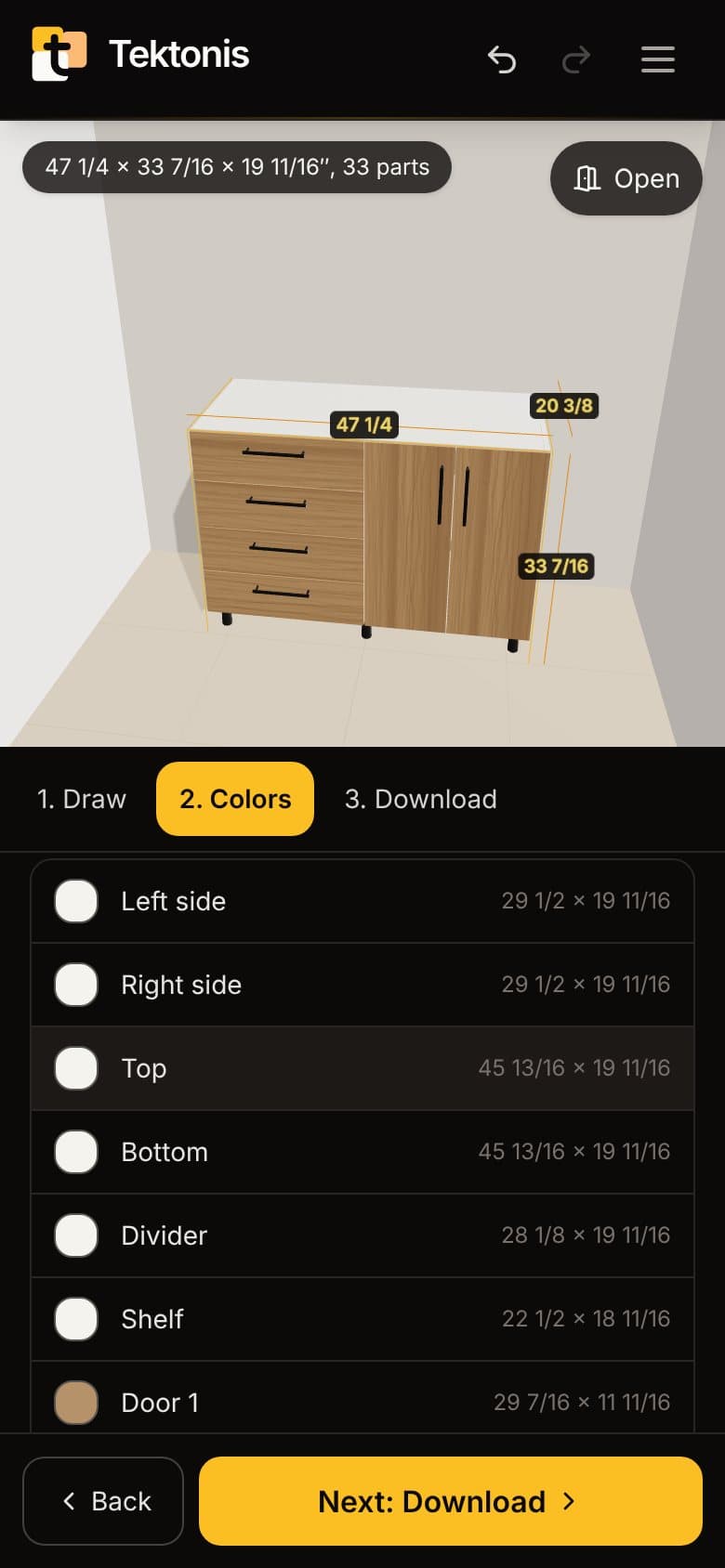
Screens of the real designer, with sizes in inches.
What people draw in it
- Base or wall cabinet in an odd size
- Dresser with 3 or 4 drawers
- Bookcase with open shelves
- TV stand with flaps or drawers
- Display cabinet with glass doors
- Closet section with a closet rod
What it costs
$0
Draw and preview in 3D
- Drawing, the 3D preview and every setting
- Doors, drawers, shelves, legs, a toe kick or wall-hung
- No download and no sign-up; the design saves in your browser
$7per cabinet, plus sales tax where it applies
The files of this cabinet, no account
- PDF: 3D view, dimensioned drawings, assembly, drilling
- Cut list with edge banding (CSV for a panel cutting shop)
- Changes and new downloads for 7 days
Paid once through Stripe. With the Base plan ($15 for one month) every cabinet, kitchen and closet is included. See pricing.
Questions
What can I design?
One cabinet at a time, in any size: a base or wall cabinet, a dresser, a bookcase, a TV stand, a display cabinet or a closet section. For a whole kitchen or closet use the kitchen or closet designer; for many cabinets in a room with CNC files and client quotes, Tektonis CAD.
How much does it cost?
Drawing and the 3D preview are free. The files of one cabinet (PDF and cut list) cost $7, plus sales tax where it applies, paid once through Stripe with just an e-mail address, no account. With the Base plan ($15 for one month, paid once) you get the files of every cabinet, kitchen and closet you design that month.
Do I need an account?
No. The design is saved in your browser, and Stripe only asks for an e-mail address. If you already have Base, Pro or CAD, sign in and download without paying again.
Is it in inches?
Inches to 1/16 on screen and in the PDF. The CSV cut list stays in millimetres, as panel saws and CNC take it.
Does it work on a phone?
Yes. You draw with a finger on the sheet at the top and change the settings below it. A computer is more comfortable for big designs.
Who makes the furniture?
You do, or a cabinet maker or panel cutting shop of your choice. Tektonis does not cut boards or sell furniture: it gives you the design and the cut list.
A whole room? Try the kitchen designer, the closet designer or Tektonis CAD.
Measure the space and start drawing
Works in the browser on a phone or computer, in inches.
Design your furniture